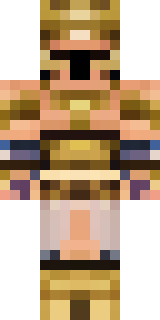
Warrior · Minecraft skin
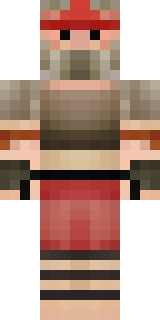
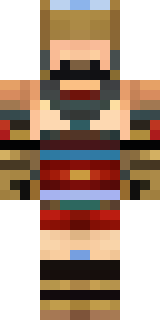
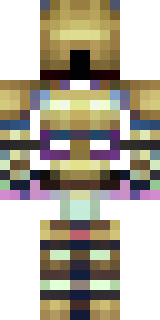
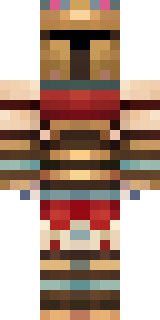
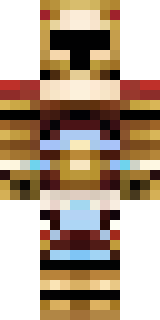
A gladiator in bronze arm guards and a red-plumed helmet
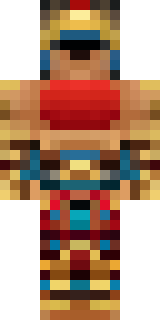
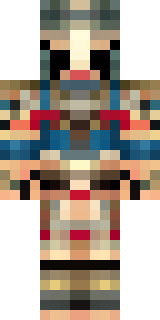
Bronze arm bands gleam against sun-browned leather, with a crimson crest tumbling from a crested helm and battle-worn scars etched across a stern, square jaw; muted ochres and deep reds give a rugged, time-forged palette that reads as both disciplined and feared. Slip into the role of a coliseum veteran or mercenary captain, leading raids, placing bounties, or parading trophies through your server’s arenas and warbands.
Palette
#000101
#ba8b65
#a47b5b
#9c7253
#946b4d
#332b23
- Theme
- Warrior
- Dimensions
- 64×64 · Java + Bedrock
- Format
- PNG (transparent)
- Model
- minecraft-skin-generator-sdxl
- Seed
- 2575395132
- Added
- 3 Jul 2026