Warrior · Minecraft skin
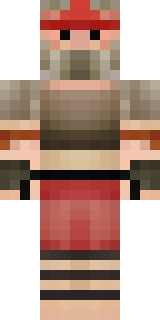
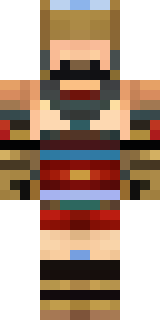
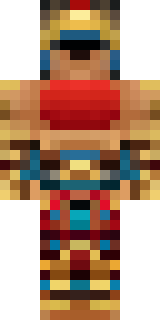
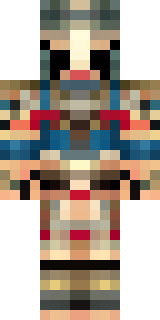
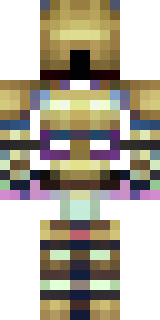
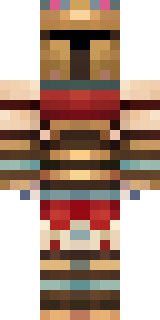
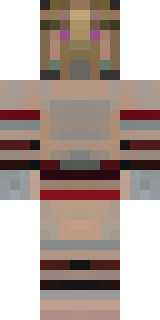
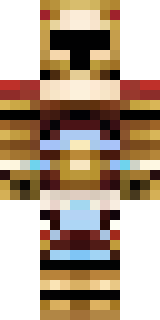
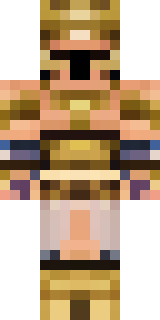
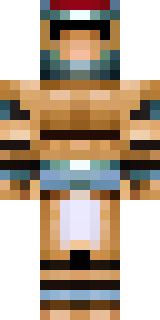
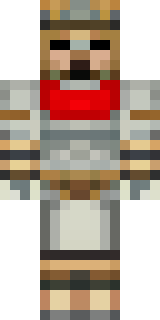
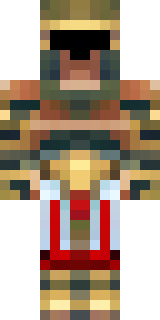
A gladiator in bronze arm guards and a red-plumed helmet
Bronzed plate meets sunburnt leather in a rugged warrior look, with warm copper tones, deep crimson accents and a bold crest slicing the silhouette—arm guards gleam with scuffs and the helmet’s plume flares like a banner. Strap this fighter up for arena showdowns, border patrols or dramatic village rescues, leaning into confident poses and ritual salutes to sell every confrontation.
Palette
#e9cabb
#f1d5cc
#fcf1f2
#9d866a
#edcdc2
#acaea2
- Theme
- Warrior
- Dimensions
- 64×64 · Java + Bedrock
- Format
- PNG (transparent)
- Model
- minecraft-skin-generator-sdxl
- Seed
- 2656460305
- Added
- 3 Jul 2026