Warrior · Minecraft skin
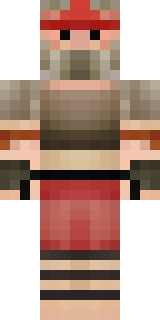
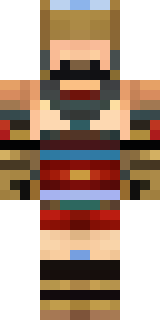
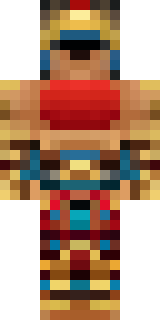
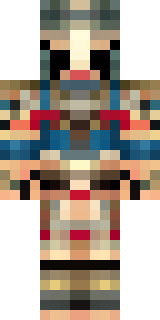
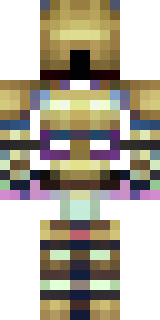
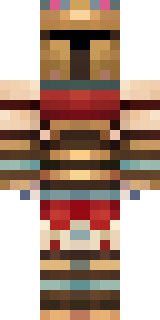
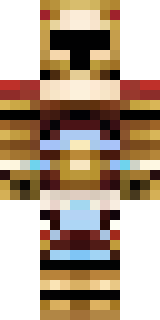
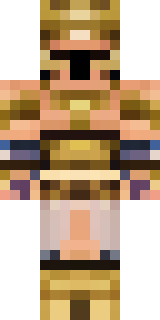
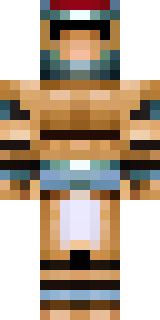
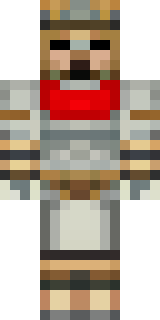
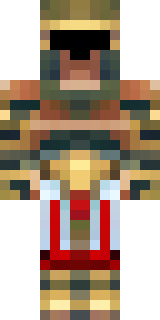
A gladiator in bronze arm guards and a red-plumed helmet
Bronzed greaves and arm braces gleam against sun-baked leather, while a scarred cuirass and a streaked red crest draw the eye to a battle-hardened silhouette; worn metallic tones mix with deep crimson accents and gritty, sand-tinted weathering for a lived-in arena look. Step into the pit as a seasoned champion—lead clan duels, guard a desert stronghold, or host gladiatorial events for friends.
Palette
#c2a483
#bc9c7a
#c3ab8b
#bc9b76
#ab8564
#bfa383
- Theme
- Warrior
- Dimensions
- 64×64 · Java + Bedrock
- Format
- PNG (transparent)
- Model
- minecraft-skin-generator-sdxl
- Seed
- 3490668582
- Added
- 3 Jul 2026