Warrior · Minecraft skin
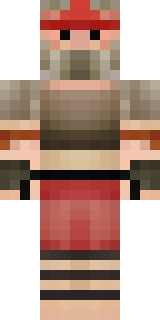
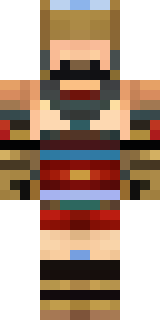
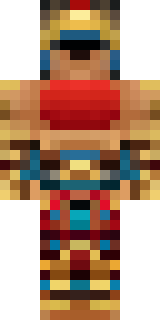
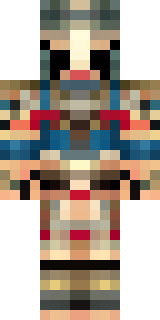
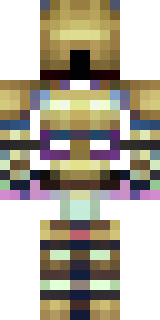
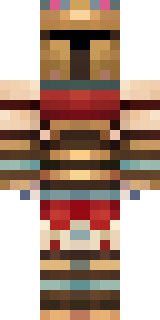
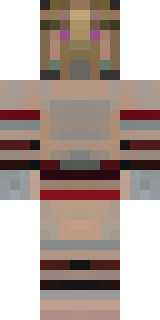
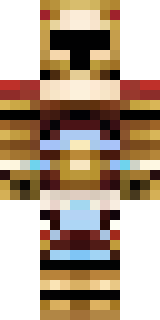
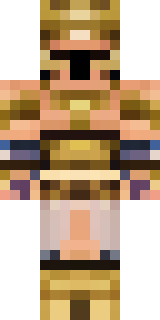
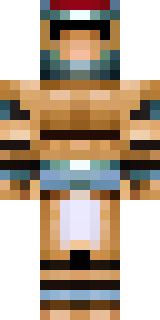
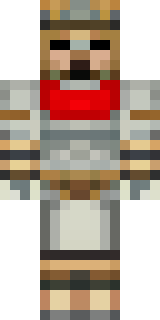
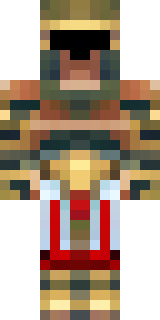
A gladiator in bronze arm guards and a red-plumed helmet
Bronzed arm bracers catch the light against a weathered cuirass, while a scarlet plume crowns a grim, sand-darkened helm and battle-scarred greaves add gritty contrast; warm copper tones mix with soot-black accents for a rugged, arena-ready silhouette. Take the role of a hardened pit champion roaming coliseum builds, leading duels and dramatic crowd-pleasing victories.
Palette
#fdf2e5
#000101
#2b240a
#fdfefd
#d0b274
#fdf2e9
- Theme
- Warrior
- Dimensions
- 64×64 · Java + Bedrock
- Format
- PNG (transparent)
- Model
- minecraft-skin-generator-sdxl
- Seed
- 1294185885
- Added
- 3 Jul 2026