Custom · Minecraft skin
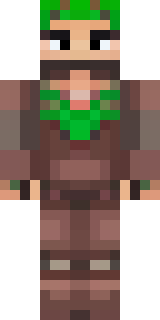
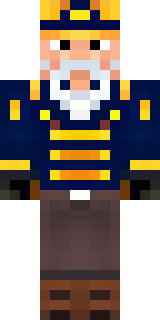
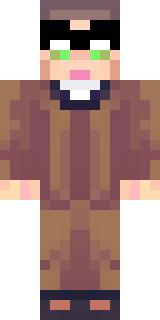
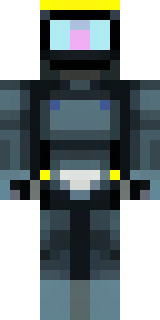
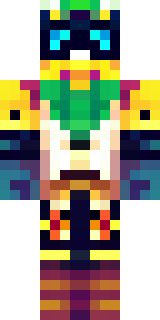
A champion in leather and iron with a laurel wreath
Sun-tanned leather and burnished iron combine in a compact, battle-ready silhouette, accented by a crown of verdant laurel and engraved clasps that catch the light; muted olives, chestnut browns and pewter greys give the skin a classical yet rugged feel. Step into the role of a veteran arena contender or wandering guardian of ancient ruins, bartering prestige and protection across towns while leading small-scale triumphs and ceremonies.
Palette
#543533
#f3c9b4
#ecbbaa
#01ac00
#613b3c
#444344
- Theme
- Custom
- Dimensions
- 64×64 · Java + Bedrock
- Format
- PNG (transparent)
- Model
- minecraft-skin-generator-sdxl
- Seed
- 605018536
- Added
- 3 Jul 2026