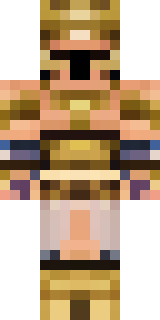
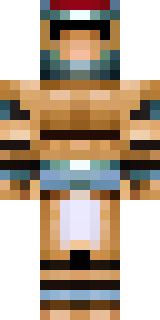
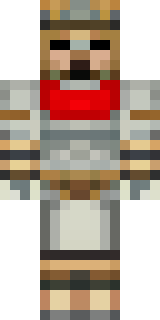
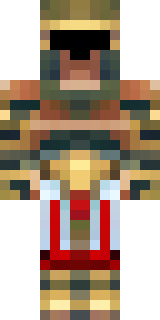
Warrior · Minecraft skin
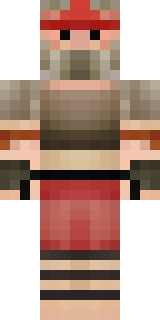
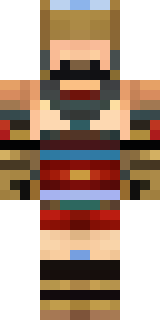
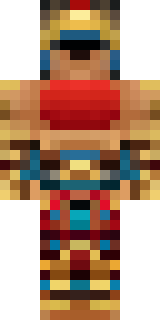
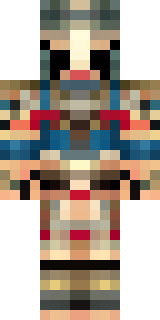
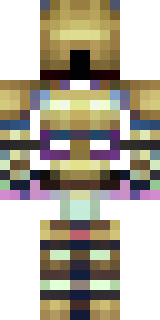
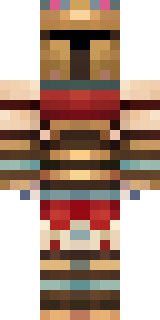
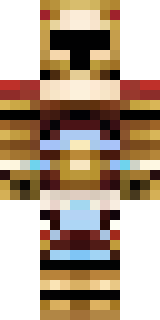
A gladiator in bronze arm guards and a red-plumed helmet
Bronzed leather and hammered metal meet deep crimson accents, with weathered arm bracers, a scuffed chestplate and a tall plume that slices a bold silhouette across the pixelated skyline. Take this fighter into dusty arenas and grand coliseums, leading raids, training recruits or charging the front line in cinematic duels.
Palette
#3b212c
#553433
#c5ab63
#42252c
#351e2b
#ad8c5a
- Theme
- Warrior
- Dimensions
- 64×64 · Java + Bedrock
- Format
- PNG (transparent)
- Model
- minecraft-skin-generator-sdxl
- Seed
- 623817606
- Added
- 4 Jul 2026