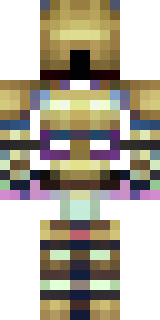
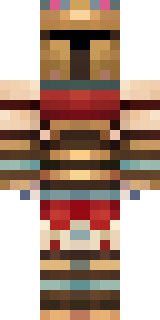
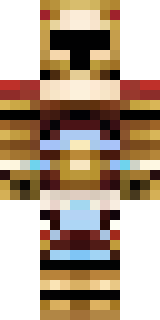
Warrior · Minecraft skin
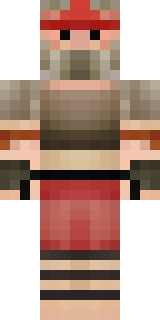
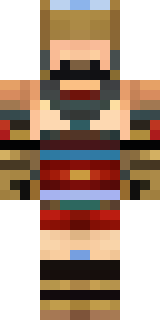
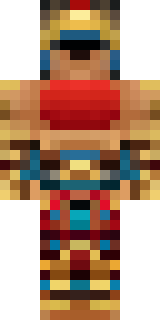
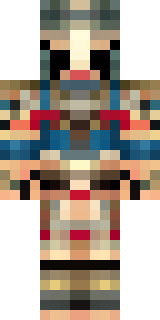
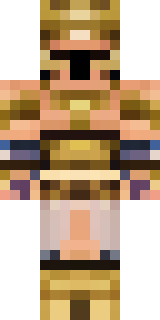
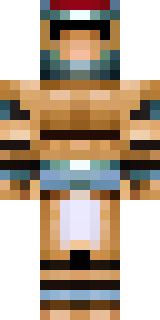
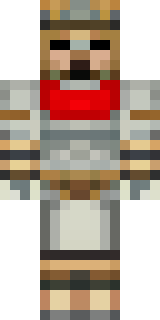
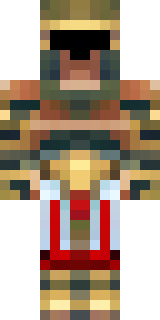
A gladiator in bronze arm guards and a red-plumed helmet
Bronze and deep crimson clash across a battle-ready silhouette, with polished arm bracers, weathered leather straps and a bold helmet crest that slices the skyline; scuffed metal, sun-faded paint and a scarred pauldron give a lived-in, arena-hardened feel. Step into the ring as a seasoned champion or charismatic commander, leading raids, staging grand duels or ruling a coliseum-themed server with theatrical bravado and tactical grit.
Palette
#141523
#1b1926
#2c242c
#b28459
#ab7c53
#443334
- Theme
- Warrior
- Dimensions
- 64×64 · Java + Bedrock
- Format
- PNG (transparent)
- Model
- minecraft-skin-generator-sdxl
- Seed
- 378543391
- Added
- 3 Jul 2026