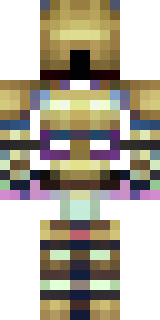
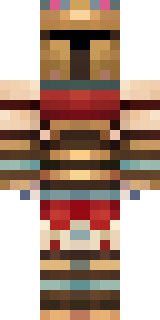
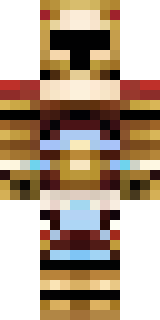
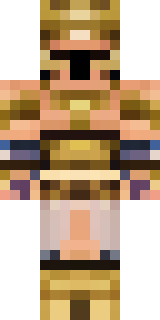
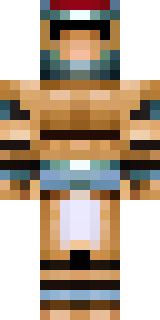
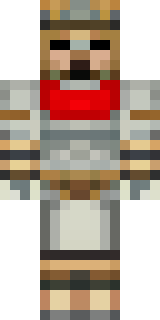
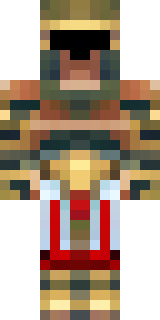
Warrior · Minecraft skin
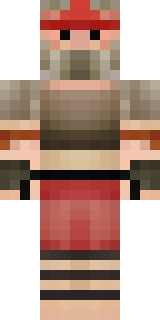
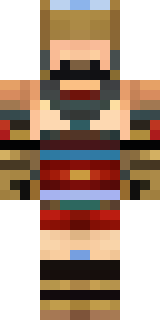
A gladiator in bronze arm guards and a red-plumed helmet
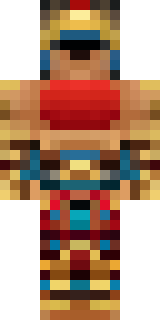
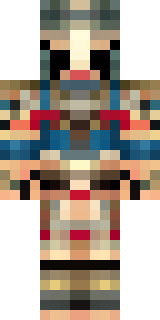
Sun-baked bronze plates wrap a battle-hardened frame, offset by deep crimson accents and a towering plume that slices the skyline; scuffed leather straps, a weathered chestplate, and faint bloodstains give every pixel a lived-in, arena-worn edge. Step into the role of a hardened arena veteran—leading daring coliseum raids, staging gladiatorial duels with friends, or marching as a city’s ceremonial champion.
Palette
#020203
#0c0a0b
#7c542a
#9c7343
#9b733d
#b38c54
- Theme
- Warrior
- Dimensions
- 64×64 · Java + Bedrock
- Format
- PNG (transparent)
- Model
- minecraft-skin-generator-sdxl
- Seed
- 1846061380
- Added
- 3 Jul 2026