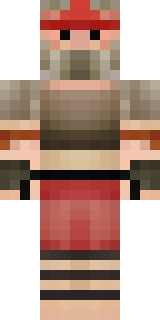
Warrior · Minecraft skin
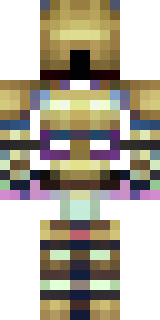
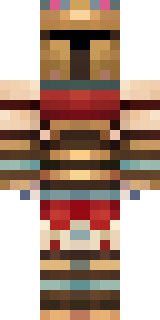
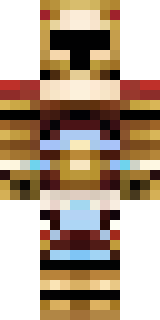
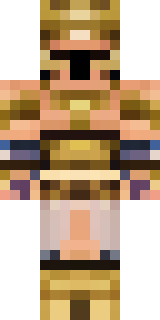
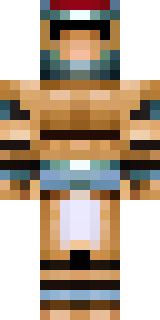
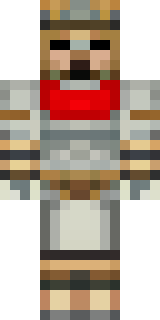
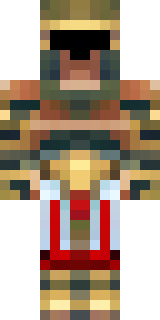
A gladiator in bronze arm guards and a red-plumed helmet
Sunburnt leather and hammered bronze collide in a compact, battle-ready silhouette, with worn crimson accents trailing from a crest and weathered arm bracers catching the light; flecks of dust and a scratched metal breastplate add a lived-in edge. Take this fighter into arena-style builds or lead a band of mercenaries on conquest runs, leaning into stern tactics and ceremonial showmanship as you claim victory block by block.
Palette
#fdfefe
#550e15
#4d3a23
#5c0e15
#2c1d14
#533c24
- Theme
- Warrior
- Dimensions
- 64×64 · Java + Bedrock
- Format
- PNG (transparent)
- Model
- minecraft-skin-generator-sdxl
- Seed
- 4048195948
- Added
- 4 Jul 2026