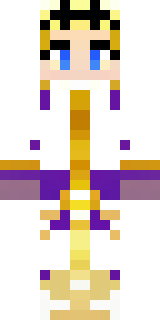
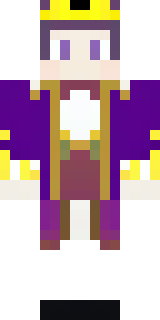
Royal · Minecraft skin
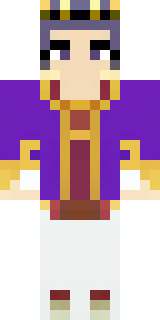
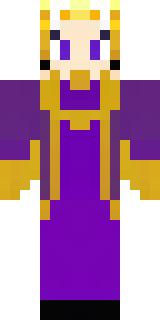
A queen in a flowing emerald gown with a silver tiara
A regal figure wrapped in a sweeping gown of deep emerald and forest shades, trimmed with subtle metallic threads and a delicate silver circlet perched above a braided crown; tiny leaf motifs and a jewel-encrusted clasp catch the light for added flourish. Step into courtly intrigue as a wise ruler of a lush kingdom, presiding over festivals, brokering alliances, or leading a verdant realm’s quests with graceful authority.
Palette
#f2e6d4
#fcf3e6
#017b4d
#fdf6ea
#006c43
#084935
- Theme
- Royal
- Dimensions
- 64×64 · Java + Bedrock
- Format
- PNG (transparent)
- Model
- minecraft-skin-generator-sdxl
- Seed
- 3987089039
- Added
- 3 Jul 2026