Cyberpunk · Minecraft skin
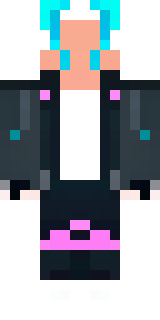
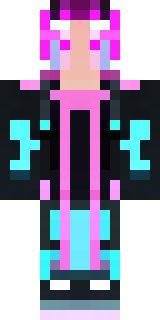
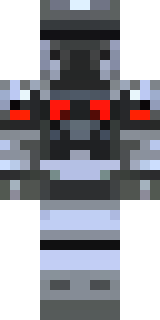
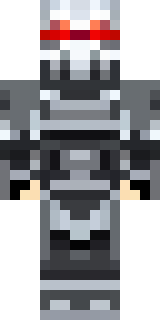
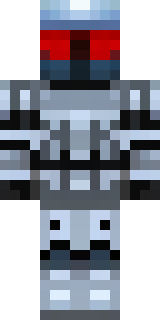
A street hacker in a hooded jacket with holographic visor
A lean figure wrapped in a matte-black, neon-accented jacket with teal and magenta trims, their face half-hidden beneath a translucent visor that throws holographic code across the hood; glowing circuit tattoos trace the jawline and wrist-mounted gadgets buzz with tiny blue LEDs. Slip into the persona of a shadowy netrunner prowling city rooftops, hijacking redstone systems and trading secrets in dimly lit bazaars as you lead stealth raids or run information-for-ether mission
Palette
#000002
#f6f5fa
#0e0b0c
#5c4e4b
#231d1c
#534442
- Theme
- Cyberpunk
- Dimensions
- 64×64 · Java + Bedrock
- Format
- PNG (transparent)
- Model
- minecraft-skin-generator-sdxl
- Seed
- 48638834
- Added
- 4 Jul 2026