Warrior · Minecraft skin
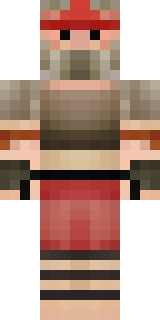
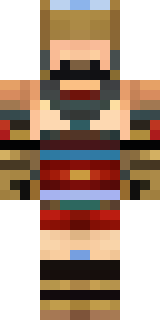
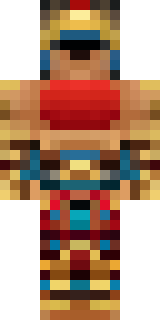
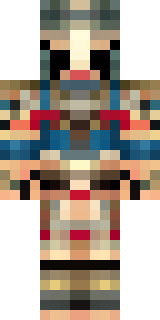
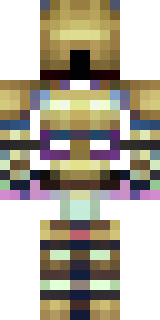
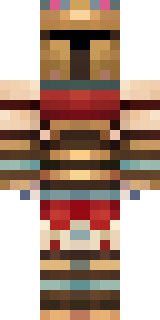
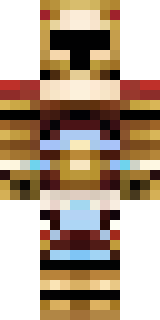
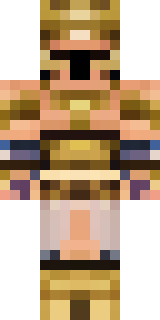
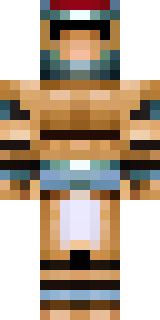
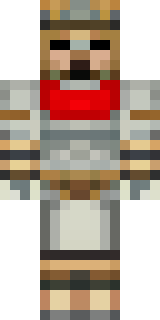
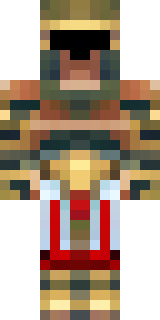
A gladiator in bronze arm guards and a red-plumed helmet
Bronze arm plates gleam against sun-baked leather, contrasted by a deep crimson crest that streaks across a weathered helmet and a palette of warm metals, dusky reds and scorched earth tones; battle scars and etched motifs lend a hard-earned, arena-ready presence. Use this fighter as a champion of a sandbound city or a lone duellist stalking coliseum sands, leading raids or settling honour-bound disputes.
Palette
#1c130d
#231412
#130d0d
#44816e
#0c0a0b
#341c16
- Theme
- Warrior
- Dimensions
- 64×64 · Java + Bedrock
- Format
- PNG (transparent)
- Model
- minecraft-skin-generator-sdxl
- Seed
- 1439508911
- Added
- 3 Jul 2026