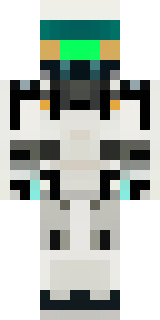
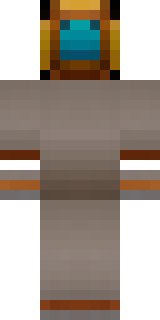
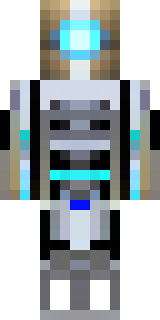
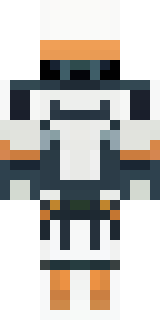
Robot · Minecraft skin
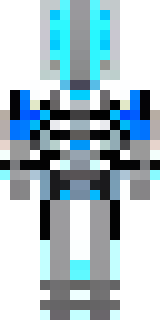
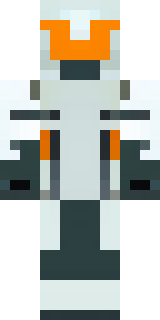
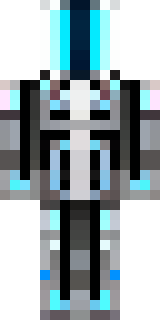
A chrome android with glowing blue eyes and exposed joints
A sleek chrome android with mirrored plating, electric-blue eye slits and pulsing cyan accents highlighting exposed mechanical joints and articulated servos. Slip into the role of a precision scout or loyal guardian, navigating neon cityscapes and automated facilities with robotic calm and efficient, calculated movements.
Palette
#fdfeff
#030304
#f4fdff
#0b0a0b
#e3fdff
#ddfcff
- Theme
- Robot
- Dimensions
- 64×64 · Java + Bedrock
- Format
- PNG (transparent)
- Model
- minecraft-skin-generator-sdxl
- Seed
- 1985204683
- Added
- 4 Jul 2026