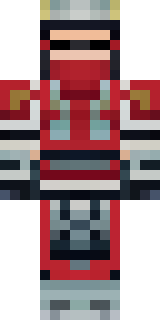
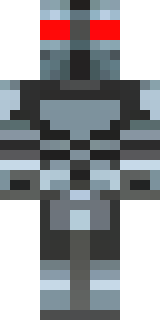
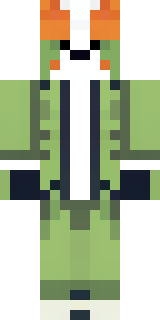
Custom · Minecraft skin
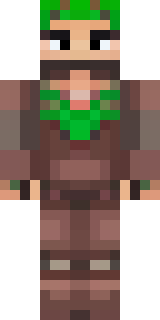
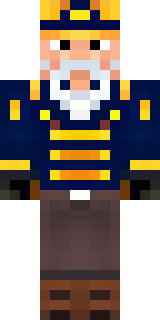
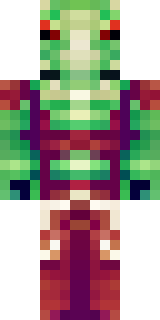
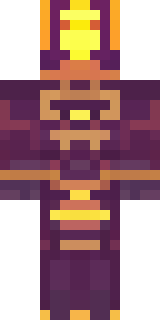
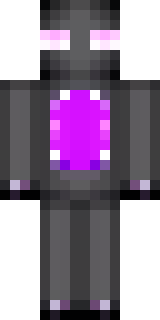
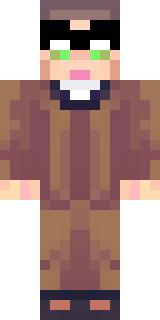
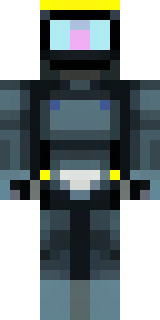
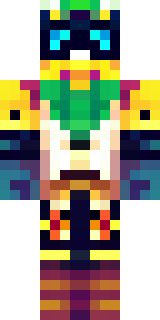
A champion in leather and iron with a laurel wreath
Sun-browned leather layered under hammered iron plates gives this gladiator a rugged, battle-ready silhouette, while a muted palette of chestnut, pewter and olive is brightened by a pale laurel circlet and weathered bronze accents. Slip into this skin to lead arena challenges, marshal a band of wanderers across wild provinces, or roleplay a veteran commander who honours victory with quiet, old-fashioned pride.
Palette
#644542
#755653
#a18172
#6a4a45
#543532
#f3f1ec
- Theme
- Custom
- Dimensions
- 64×64 · Java + Bedrock
- Format
- PNG (transparent)
- Model
- minecraft-skin-generator-sdxl
- Seed
- 3820132654
- Added
- 2 Jul 2026