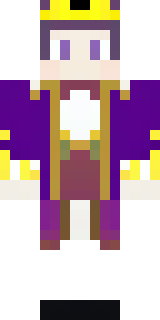
Royal · Minecraft skin
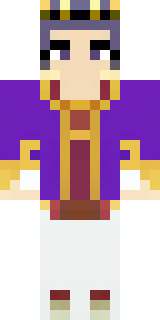
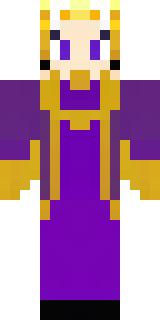
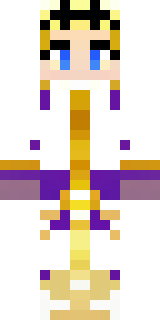
A young king in an ermine-trimmed purple cloak and gold crown
A youthful sovereign in deep violet robes edged with snowy fur, polished gold accents catching the light and a finely engraved circlet crowning a determined brow; small details like embroidered heraldry and ornate belt clasps add regal depth. Step into courtly intrigue as a newly-crowned ruler, hosting grand banquets, settling disputes, and defending your realm from ambitious pretenders across your servers.
Palette
#5c067d
#4b057d
#540684
#450379
#262c3d
#3c026d
- Theme
- Royal
- Dimensions
- 64×64 · Java + Bedrock
- Format
- PNG (transparent)
- Model
- minecraft-skin-generator-sdxl
- Seed
- 2557991082
- Added
- 3 Jul 2026