Custom · Minecraft skin
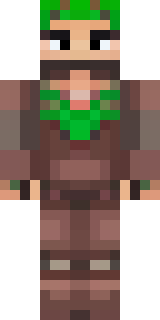
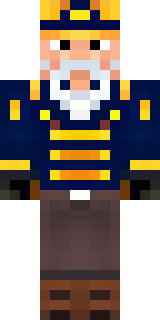
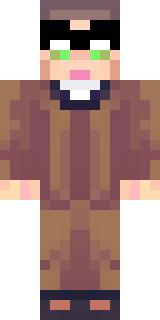
A champion in leather and iron with a laurel wreath
Bronze-tinted leather and hammered iron form a rugged, sun-weathered warrior with a verdant laurel crowning a scarred brow, olive and russet tones offset by brushed-steel pauldrons and rope-fastened greaves. Slip into this veteran’s boots to lead arena tournaments, govern a frontier settlement, or swagger through roleplay as a retired gladius-wielding hero who bargains, trains recruits, and settles old scores.
Palette
#29191a
#5a3e43
#eab49b
#52363d
#311b1e
#e39e82
- Theme
- Custom
- Dimensions
- 64×64 · Java + Bedrock
- Format
- PNG (transparent)
- Model
- minecraft-skin-generator-sdxl
- Seed
- 4088576147
- Added
- 4 Jul 2026