Knight · Minecraft skin
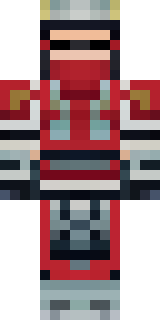
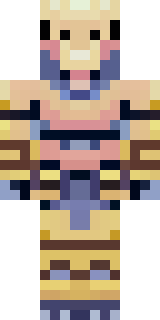
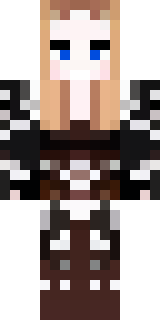
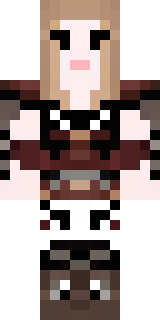
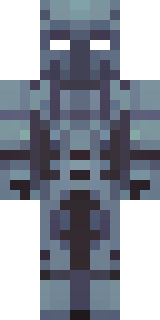
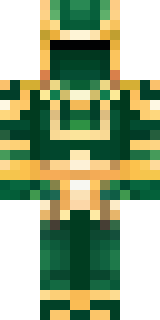
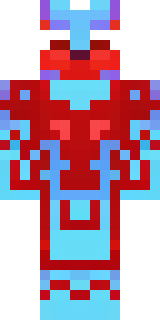
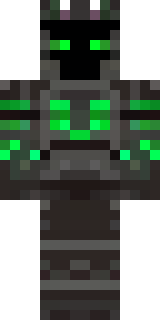
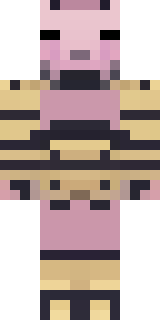
A samurai in red lacquered armor with a horned helmet
Crimson lacquer plates curve over layered dark fabric, accented with worn brass rivets and a twin-pronged crested helm that slices a noble silhouette; the palette mixes deep reds, soot-black trim and muted gold highlights with subtle weathering across the gauntlets and greaves. Slip into this fearsome warrior for castle sieges or honour-bound duels, leading a retinue of guards as you patrol ramparts, broker truces, or challenge rival nobles under a blood-orange sunset.
Palette
#141b26
#01142c
#020a1c
#11131e
#e35b74
#010101
- Theme
- Knight
- Dimensions
- 64×64 · Java + Bedrock
- Format
- PNG (transparent)
- Model
- minecraft-skin-generator-sdxl
- Seed
- 2386630117
- Added
- 4 Jul 2026