Royal · Minecraft skin
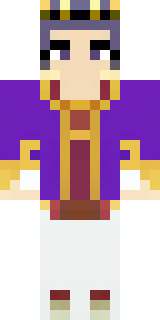
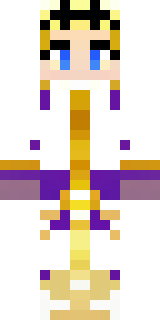
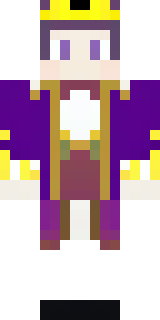
A young king in an ermine-trimmed purple cloak and gold crown
A noble youth in jewel-toned purples and burnished golds, trimmed with crisp white fur and dotted with tiny gem-like accents along the shoulders and cuffs; clean lines and a modest laurel motif on the chest keep the silhouette regal but approachable. Slip into the role of an ascending monarch presiding over a fledgling kingdom—host courtly events, lead diplomatic expeditions, or wander your realm scouting for allies and threats with a blend of poise and curiosity.
Palette
#5c0093
#fcfdfd
#b9a25c
#5b028e
#000102
#fcf6e2
- Theme
- Royal
- Dimensions
- 64×64 · Java + Bedrock
- Format
- PNG (transparent)
- Model
- minecraft-skin-generator-sdxl
- Seed
- 2456230910
- Added
- 4 Jul 2026