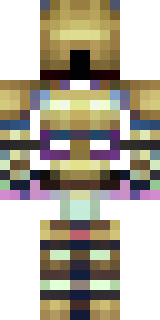
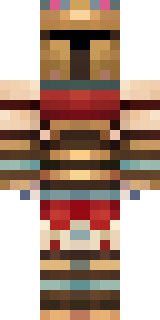
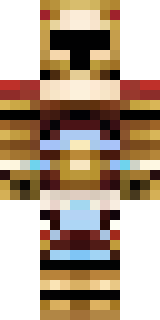
Warrior · Minecraft skin
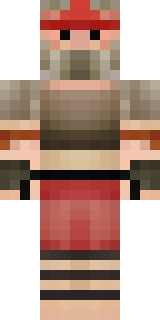
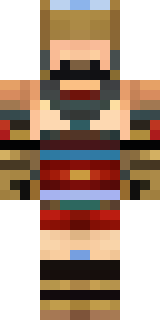
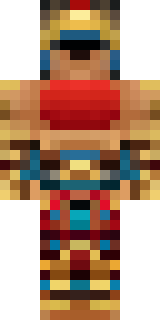
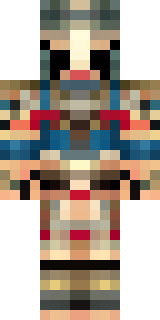
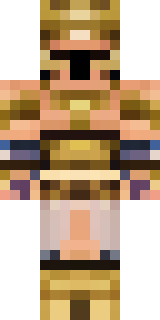
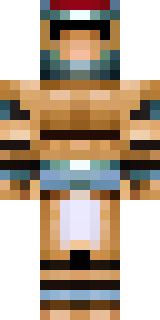
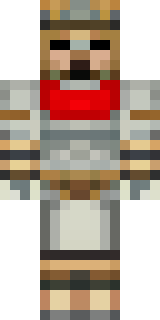
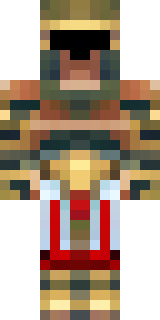
A gladiator in bronze arm guards and a red-plumed helmet
Bronzed pauldrons and forearm guards gleam against weathered leather, while deep crimson plumes and a dusted bronze helm draw the eye to a battle-ready silhouette; scuffed metal, faded straps and a sun-baked palette give a lived-in, arena-tested feel. Slip into the role of a seasoned pit champion—lead captures, defend keeps or stage dramatic duels in a colosseum build, commanding attention with every bold stride.
Palette
#feffff
#010102
#4b444c
#c4a36c
#fbb68a
#d4b275
- Theme
- Warrior
- Dimensions
- 64×64 · Java + Bedrock
- Format
- PNG (transparent)
- Model
- minecraft-skin-generator-sdxl
- Seed
- 3891091302
- Added
- 3 Jul 2026