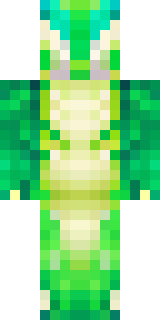
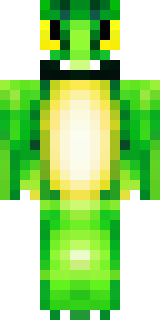
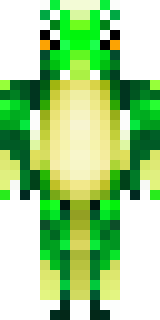
Dragon · Minecraft skin
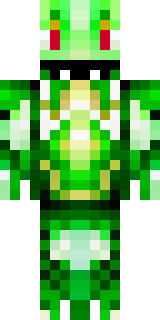
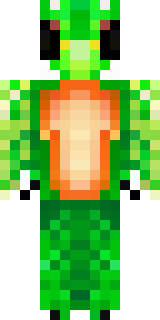
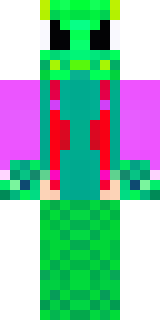
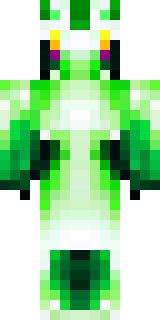
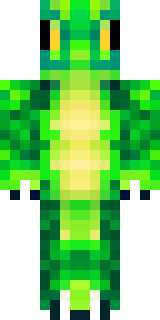
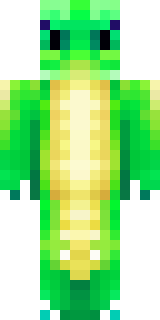
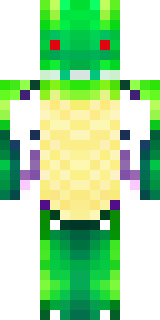
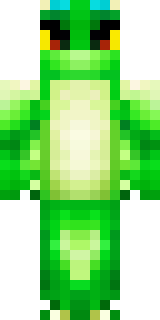
A dragon hybrid with green scales, horns and a spined tail
A lithe humanoid draped in verdant scales that graduate from moss to emerald, topped with swept-back ivory horns and a ridged, spined tail tipped in obsidian; leather straps and battered pauldrons add rugged contrast while subtle bioluminescent flecks glimmer along the jaw and forearms. Slip into the role of a secluded guardian of overgrown ruins, patrolling treetop canopies and broker-trading rare botanical relics between wary villagefolk and bold explorers.
Palette
#00844a
#feffff
#01fd0b
#5aed06
#007c44
#008c4b
- Theme
- Dragon
- Dimensions
- 64×64 · Java + Bedrock
- Format
- PNG (transparent)
- Model
- minecraft-skin-generator-sdxl
- Seed
- 114907471
- Added
- 4 Jul 2026