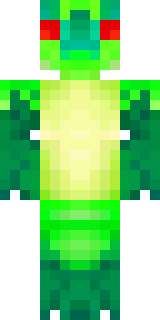
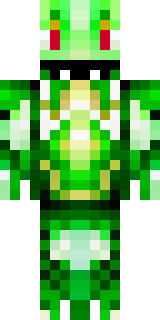
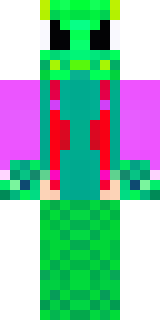
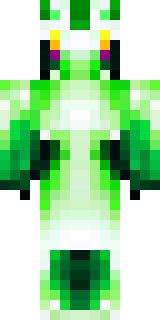
Dragon · Minecraft skin
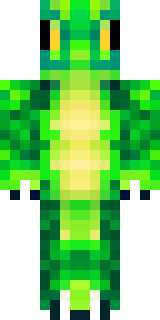
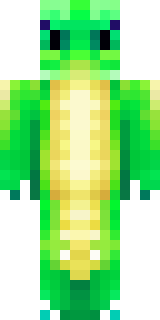
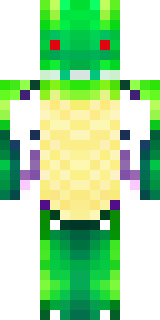
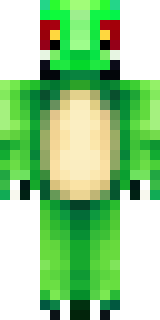
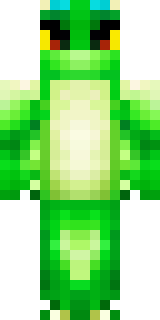
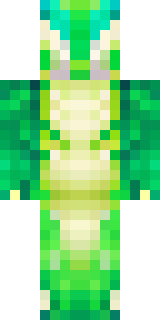
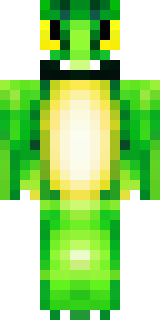
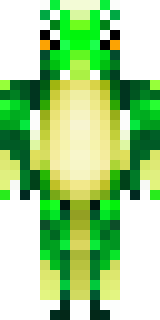
A dragon hybrid with green scales, horns and a spined tail
A fierce hybrid with layered emerald scales, charcoal horns and a jagged, spined tail, this skin mixes mossy greens with ash-grey accents and bronze claw tips for a weathered, elemental feel. Slip into the role of a secluded guardian of mountain ruins or a wandering drake-mercenary, stalking cliffside perches and trading rare treasures with wary villagers.
Palette
#fdfefd
#006b23
#00cc0b
#00ac0c
#00c30b
#005b22
- Theme
- Dragon
- Dimensions
- 64×64 · Java + Bedrock
- Format
- PNG (transparent)
- Model
- minecraft-skin-generator-sdxl
- Seed
- 3448830417
- Added
- 4 Jul 2026