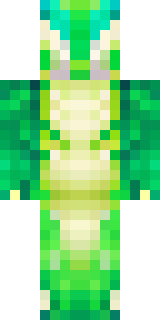
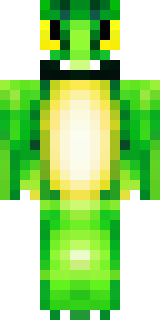
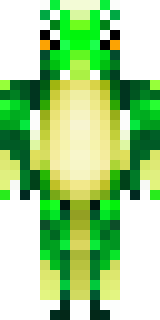
Dragon · Minecraft skin
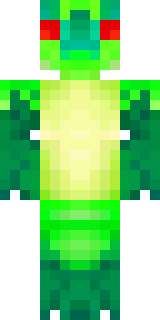
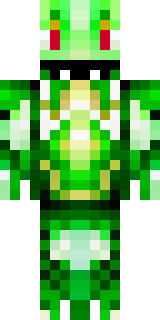
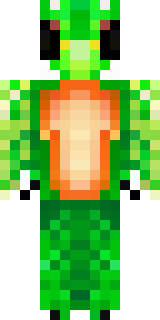
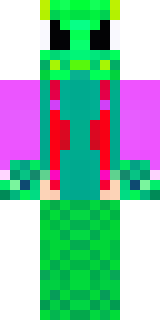
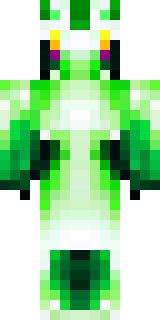
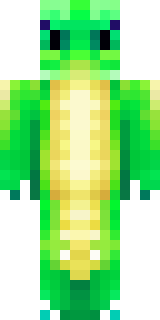
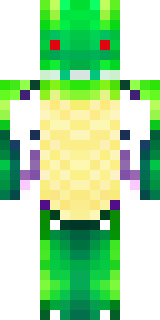
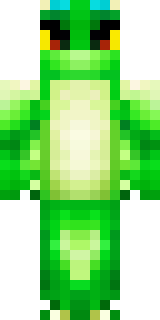
A dragon hybrid with green scales, horns and a spined tail
Iridescent emerald scales shimmer across a lithe, humanoid frame capped with curling ivory horns and a segmented, barbed tail that bristles with ridged spines, while soot-dark underbellies and mossy highlights lend depth to its forest palette. Slip into this draconic hybrid to stalk cliffside lairs as a guardian of ancient groves or lead a clan of mountain scouts, trading fire-forged bargains and beastwise secrets with wandering caravans.
Palette
#022c2d
#fdfefe
#01322c
#01b425
#00ac23
#018b2b
- Theme
- Dragon
- Dimensions
- 64×64 · Java + Bedrock
- Format
- PNG (transparent)
- Model
- minecraft-skin-generator-sdxl
- Seed
- 1177895932
- Added
- 4 Jul 2026