Dragon · Minecraft skin
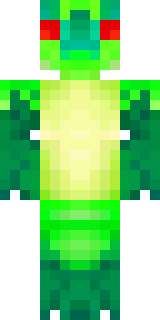
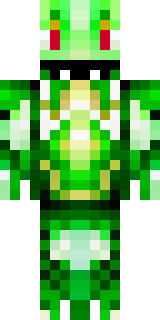
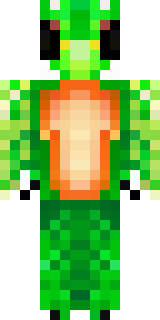
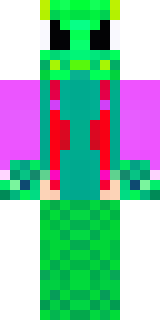
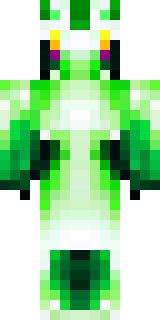
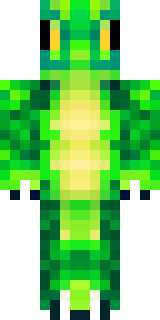
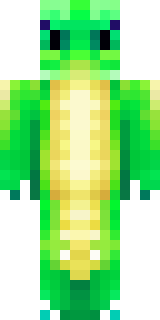
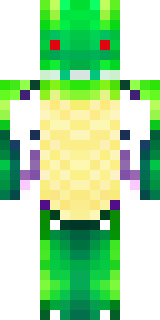
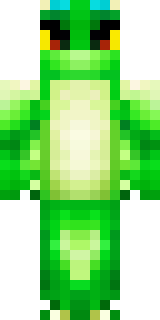
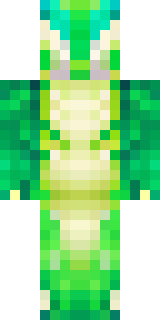
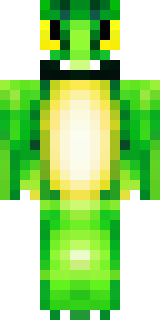
A dragon hybrid with green scales, horns and a spined tail
A lithe, half-human figure cloaked in mottled emerald and moss tones, with ridged horns, a row of sharp dorsal spines tracing the back, and a barbed tail that flicks like a living banner; iridescent scales catch the light on cheekbones, shoulders and gauntleted hands. Perfect for ruling a reclaimed fortress as a cunning warlord or wandering the wilds as a wary guardian, bartering treasures and guarding ancient groves with sly diplomacy and deadly precision.
Palette
#fdfefd
#00331c
#004d12
#002c1c
#00431d
#006422
- Theme
- Dragon
- Dimensions
- 64×64 · Java + Bedrock
- Format
- PNG (transparent)
- Model
- minecraft-skin-generator-sdxl
- Seed
- 276199659
- Added
- 4 Jul 2026