Dragon · Minecraft skin
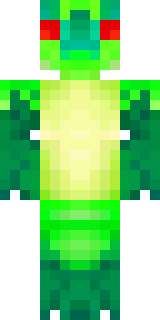
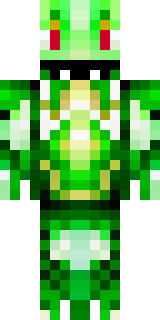
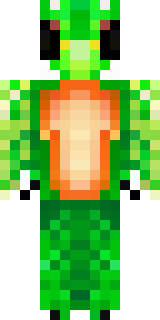
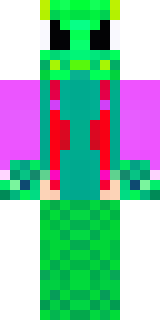
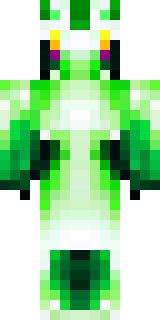
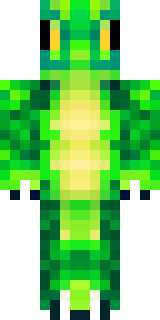
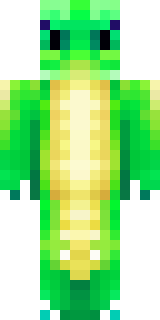
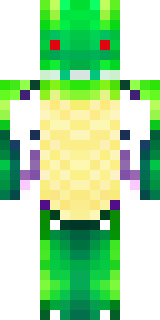
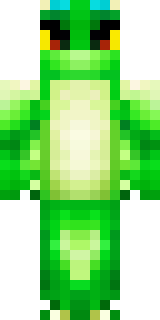
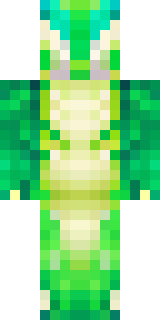
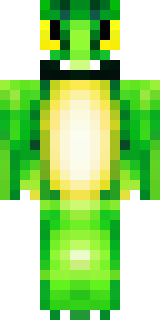
A dragon hybrid with green scales, horns and a spined tail
Sleek emerald scales sweep across a lithe, humanoid frame, highlighted by ash-grey horns, burnished gold eyes and a row of jagged dorsal spines that continue into a barbed tail; olive leathers and brass accents add rugged contrast. Slip into the role of a wary border guardian or wandering wyldtracker, defending mountain passes and bargaining with wary settlements.
Palette
#d60da5
#da0aaa
#d80ba6
#fdfefe
#db06ab
#d310a2
- Theme
- Dragon
- Dimensions
- 64×64 · Java + Bedrock
- Format
- PNG (transparent)
- Model
- minecraft-skin-generator-sdxl
- Seed
- 2088789955
- Added
- 3 Jul 2026