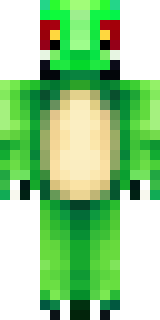
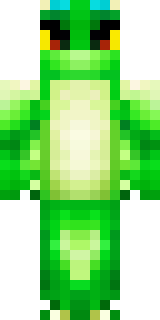
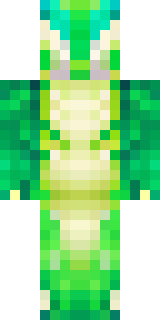
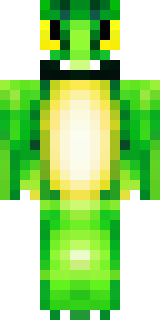
Dragon · Minecraft skin
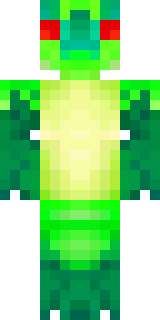
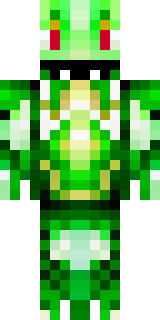
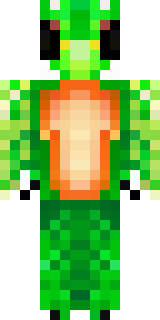
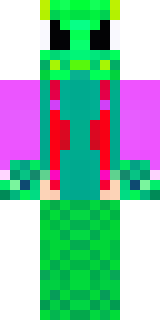
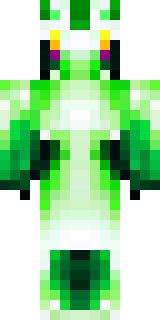
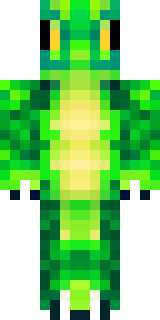
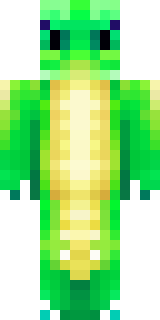
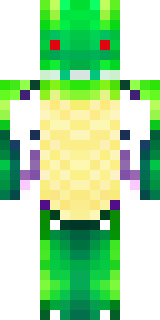
A dragon hybrid with green scales, horns and a spined tail
Emerald-flecked scales shimmer across a lithe, humanoid frame, with ridged horns, a jagged spine running down to a barbed tail and bronzed claws catching the light; mossy greens and deep jade are set off by burnished gold accents along the jaw and talons. Slip into this draconic hybrid to patrol cliffside keeps as a feared guardian, broker deals between village folk and mountain beasts, or lead a wingless coven of treasure-seeking explorers.
Palette
#ffffff
#014444
#004c44
#013b43
#020a2b
#009c44
- Theme
- Dragon
- Dimensions
- 64×64 · Java + Bedrock
- Format
- PNG (transparent)
- Model
- minecraft-skin-generator-sdxl
- Seed
- 2655004252
- Added
- 3 Jul 2026