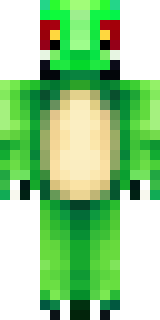
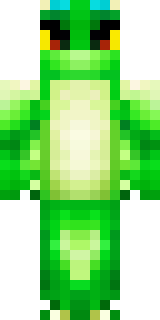
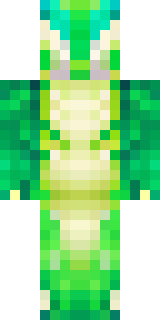
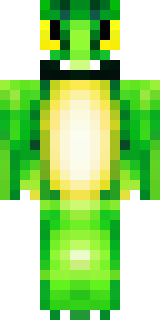
Dragon · Minecraft skin
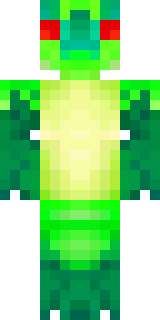
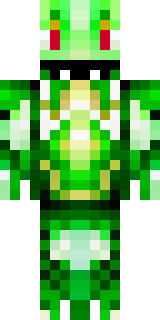
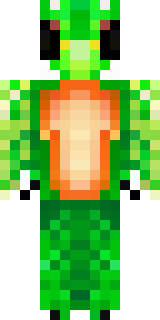
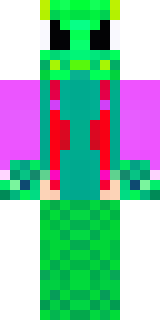
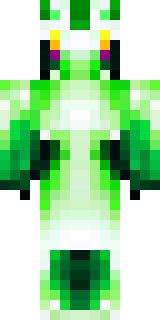
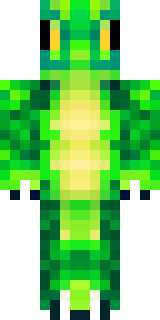
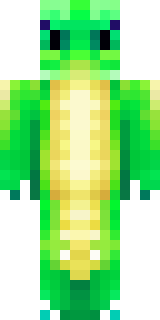
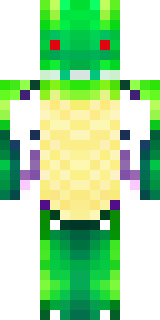
A dragon hybrid with green scales, horns and a spined tail
Emerald-hued scales shimmer across the chest and limbs, offset by charcoal horns and ridged spines trailing down a powerful, barbed tail; mossy highlights and amber eyes add depth to the natural palette while clawed gauntlets and textured winglets hint at draconic strength. Slip into the role of a guardian of ancient groves or a wandering beast-tamer, stalking misty ravines, bargaining with village elders, and defending hidden lairs from greedy miners.
Palette
#fefffe
#00a314
#00731d
#006b1d
#00ac14
#63ec03
- Theme
- Dragon
- Dimensions
- 64×64 · Java + Bedrock
- Format
- PNG (transparent)
- Model
- minecraft-skin-generator-sdxl
- Seed
- 725548505
- Added
- 4 Jul 2026