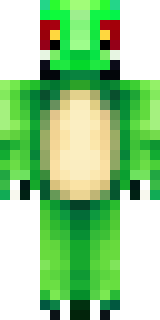
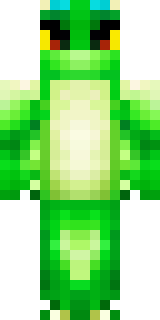
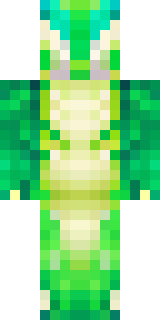
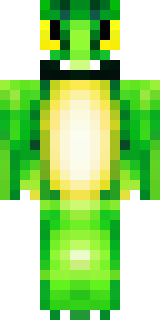
Dragon · Minecraft skin
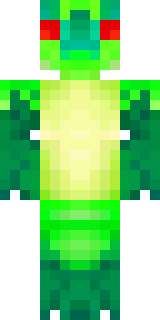
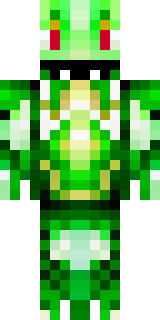
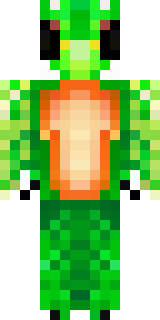
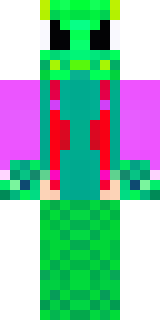
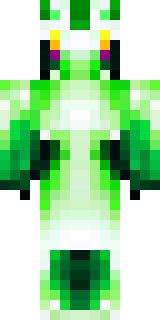
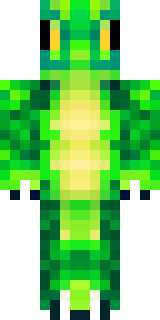
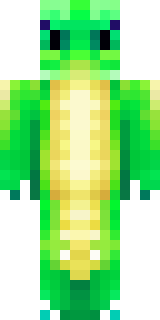
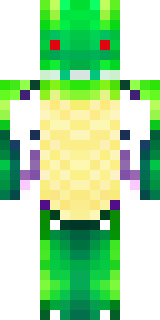
A dragon hybrid with green scales, horns and a spined tail
Emerald-scaled hybrid with pale underbelly panels, shadowed olive highlights, curved black horns and a jagged, spined tail tipped in mottled bronze for a fierce, primal silhouette. Slip into this form to lead a mountain clan, guard a treasure hoard, or stalk twilight forests as a noble protector of hidden groves.
Palette
#ffffff
#43c231
#3bc22d
#3abe2e
#42c42e
#3bbd32
- Theme
- Dragon
- Dimensions
- 64×64 · Java + Bedrock
- Format
- PNG (transparent)
- Model
- minecraft-skin-generator-sdxl
- Seed
- 1745115869
- Added
- 3 Jul 2026