Dragon · Minecraft skin
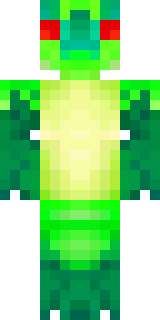
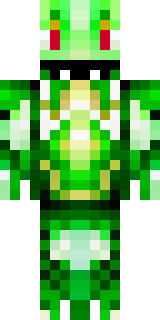
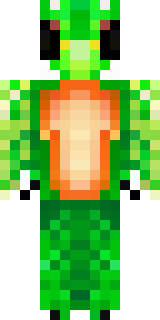
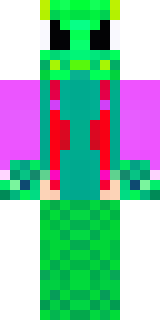
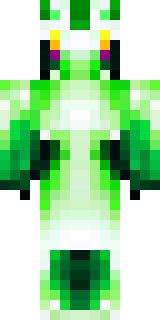
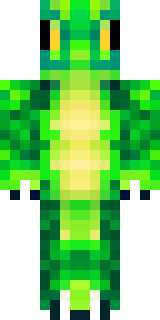
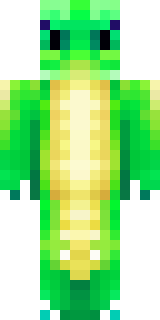
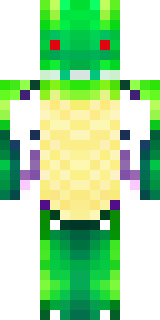
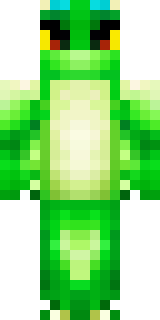
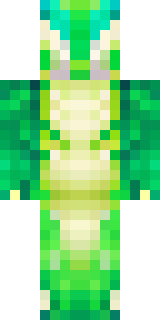
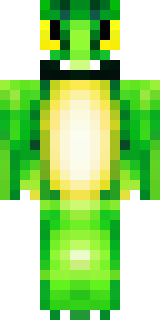
A dragon hybrid with green scales, horns and a spined tail
A lithe, half-human figure cloaked in deep emerald scales and mossy highlights, crowned with curved obsidian horns and a row of jagged dorsal spines running down a barbed tail; weathered leather straps and faint metallic flecks give the silhouette a battle-worn, draconic elegance. Slip into the role of a guardian of wild biomes or a wary treasure-seeker, patrolling cliffside lairs, bargaining with villagers, or leading a band of wyvern riders through misty canopies.
Palette
#fdfefd
#03060a
#03090c
#010202
#012b1d
#002b14
- Theme
- Dragon
- Dimensions
- 64×64 · Java + Bedrock
- Format
- PNG (transparent)
- Model
- minecraft-skin-generator-sdxl
- Seed
- 1594241131
- Added
- 4 Jul 2026