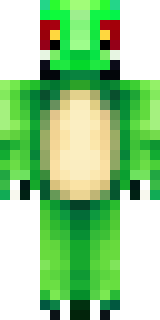
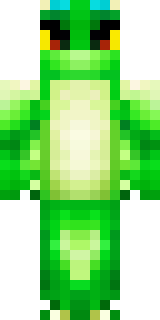
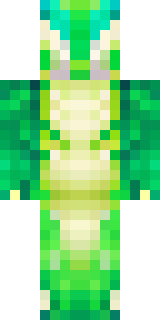
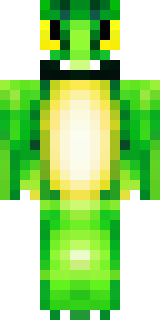
Dragon · Minecraft skin
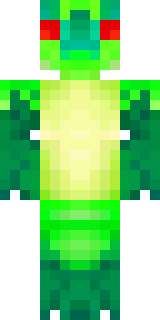
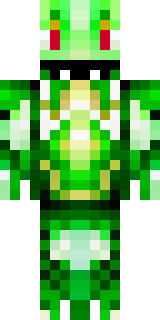
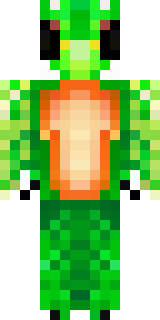
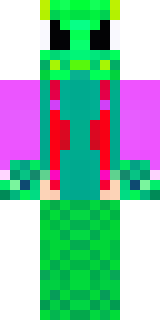
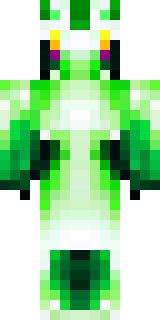
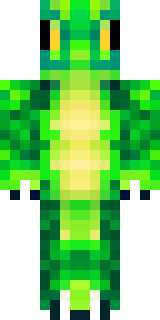
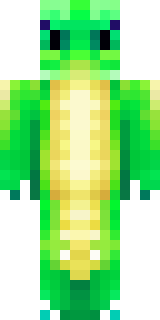
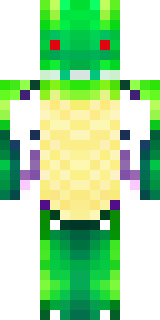
A dragon hybrid with green scales, horns and a spined tail
Scaled in deep emeralds and mossy teals with dusky gold horn ridges and a jagged, armored tail spine, this hybrid stands out with gleaming eye slits and layered, overlapping plates along the shoulders and thighs. Slip into the role of a forest guardian or a nomadic wyrm-knight, patrolling misty biomes, negotiating with villagers, and defending ancient groves from intruders.
Palette
#01c30b
#00b30c
#fdfdfd
#00ab0d
#01bc0b
#019314
- Theme
- Dragon
- Dimensions
- 64×64 · Java + Bedrock
- Format
- PNG (transparent)
- Model
- minecraft-skin-generator-sdxl
- Seed
- 827680020
- Added
- 4 Jul 2026