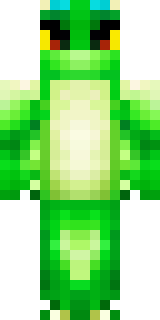
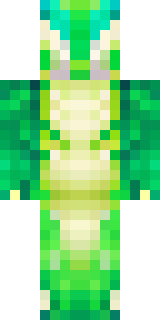
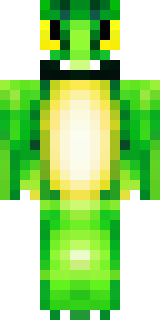
Dragon · Minecraft skin
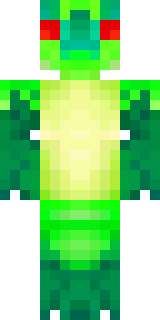
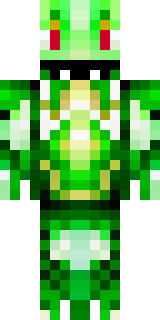
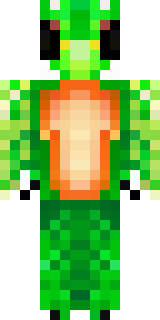
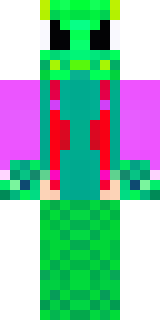
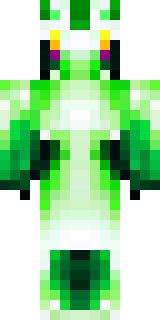
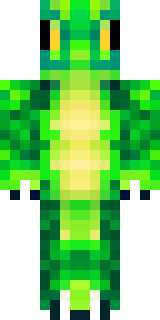
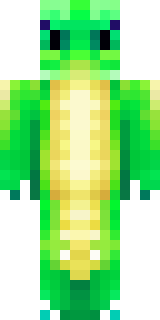
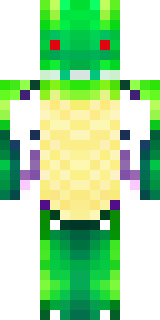
A dragon hybrid with green scales, horns and a spined tail
Iridescent emerald scales sweep across a lean humanoid frame, accented by ash-black horns, a row of jagged spines down the back, and a barbed tail tipped in obsidian; muted gold eyes and leather-wrapped forearms add worn, dangerous charm. Slip into this fierce guardian to stalk misty ravines, hoard rare ores in a cliffside lair, or lead a wyvern-mounted patrol for your faction.
Palette
#fdfefe
#017c2b
#01742c
#03fc12
#03ec0d
#01ab1b
- Theme
- Dragon
- Dimensions
- 64×64 · Java + Bedrock
- Format
- PNG (transparent)
- Model
- minecraft-skin-generator-sdxl
- Seed
- 1564758994
- Added
- 4 Jul 2026