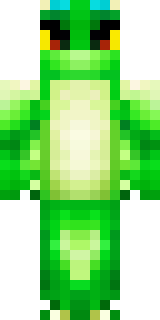
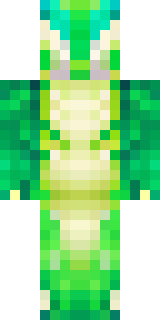
Dragon · Minecraft skin
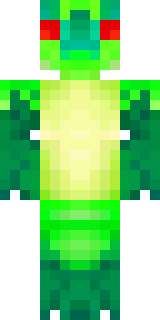
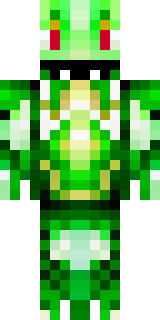
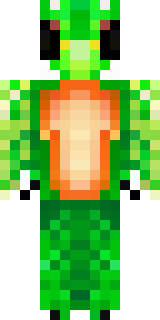
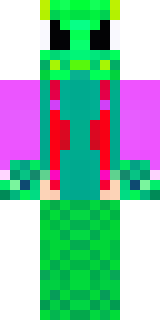
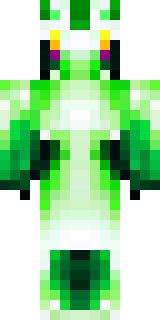
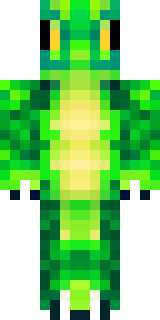
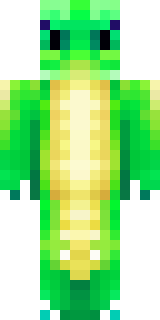
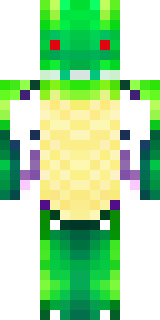
A dragon hybrid with green scales, horns and a spined tail
A lithe, humanoid draconic figure cloaked in mottled emerald and moss tones, accented with darker forest ridges along the spine and ash-hued horns that curve back from the brow; textured scales catch light with subtle iridescence while a barbed, plated tail adds a fierce silhouette. Slip this into survival and lore builds as a guardian of ancient groves or a mountain warlord, negotiating with villagers and staking claim to cliffside lairs with commanding presence.
Palette
#9bfe62
#00ac6b
#8df5c5
#000000
#00ba94
#91fc4b
- Theme
- Dragon
- Dimensions
- 64×64 · Java + Bedrock
- Format
- PNG (transparent)
- Model
- minecraft-skin-generator-sdxl
- Seed
- 369276374
- Added
- 4 Jul 2026