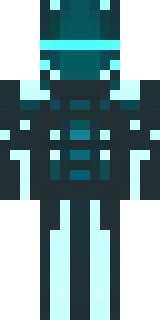
Ninja · Minecraft skin
A shadow ninja in matte black with a red scarf
A sleek stealth operative wrapped in deep matte noir, with layered cloth textures, subtle armor plates and a striking crimson neck sash that flutters against the darkness. Slip into the role of a silent infiltrator stalking night raids, scouting enemy bases and leaving only a whisper of red as your signature before vanishing into the shadows.
Palette
#424d52
#49565c
#465459
#3d494e
#445156
#3b464a
- Theme
- Ninja
- Dimensions
- 64×64 · Java + Bedrock
- Format
- PNG (transparent)
- Model
- minecraft-skin-generator-sdxl
- Seed
- 2448602429
- Added
- 4 Jul 2026