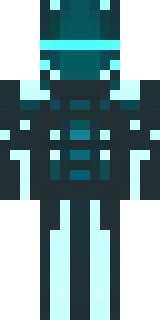
Ninja · Minecraft skin
A shadow ninja in matte black with a red scarf
A stealthy operative wrapped in muted obsidian tones, this suit features satin-dark armour panels, layered cloth textures and a scarlet scarf trailing from the collar for a sharp colour pop. Slip into covert night raids, protect VIPs from the shadows, or stalk the skyline as a silent guardian on roleplay servers.
Palette
#424e53
#455156
#4a555b
#3c494e
#dd002e
#465358
- Theme
- Ninja
- Dimensions
- 64×64 · Java + Bedrock
- Format
- PNG (transparent)
- Model
- minecraft-skin-generator-sdxl
- Seed
- 43218861
- Added
- 4 Jul 2026