Ninja · Minecraft skin
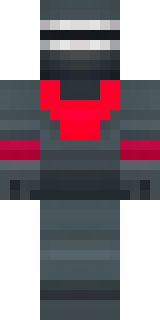
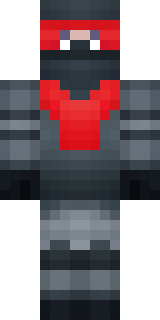
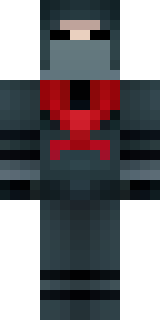
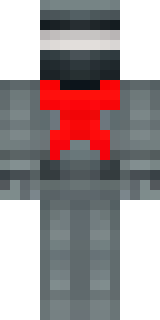
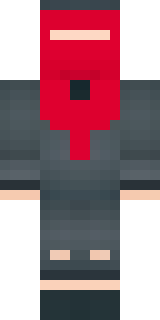
A shadow ninja in matte black with a red scarf
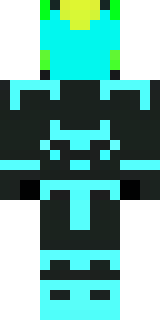
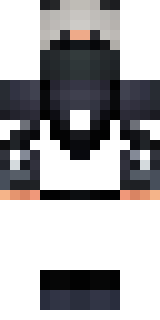
A silent assassin draped in matte obsidian armour with whispering charcoal highlights and a single blood-red scarf slicing across the chest, accented by subtle seam details and a low-contrast mask that leaves only gleaming eyes visible. Slip into the role of a midnight infiltrator stalking fortress rooftops and vanishing into alleys to rescue villagers, sabotage enemy watchtowers, or lead stealthy raids under the cover of night.
Palette
#fe0025
#2b363a
#263134
#232e32
#293336
#2d3a3d
- Theme
- Ninja
- Dimensions
- 64×64 · Java + Bedrock
- Format
- PNG (transparent)
- Model
- minecraft-skin-generator-sdxl
- Seed
- 3695999016
- Added
- 3 Jul 2026